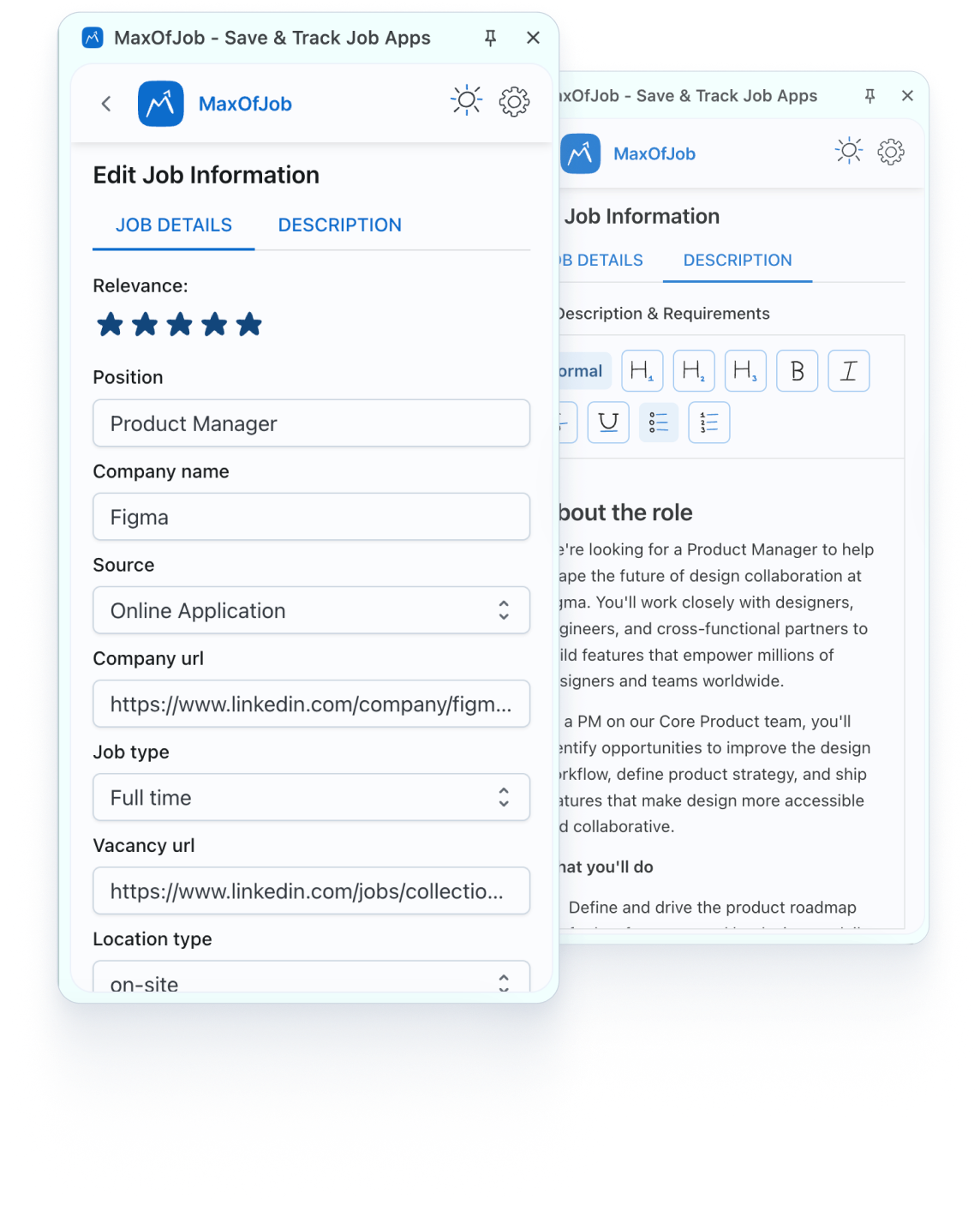
Found something interesting on LinkedIn? One click and it's saved. The extension auto-captures job details so you don't have to copy-paste anything. Browsing Indeed or Glassdoor instead? You can manually add those jobs just as fast. Either way, everything lands in yourdashboard.
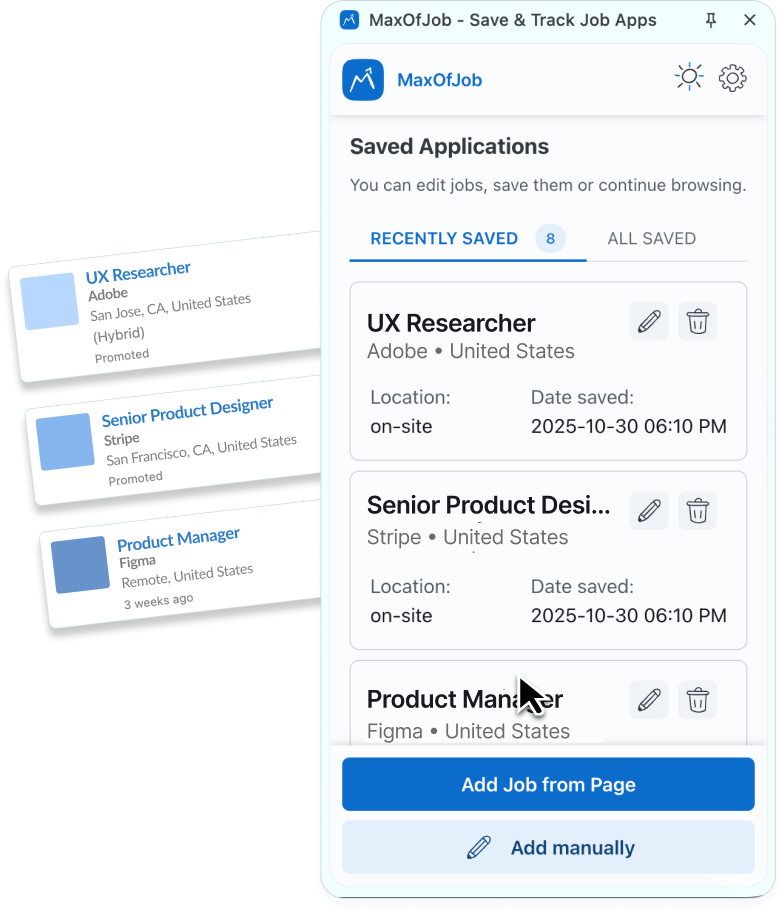

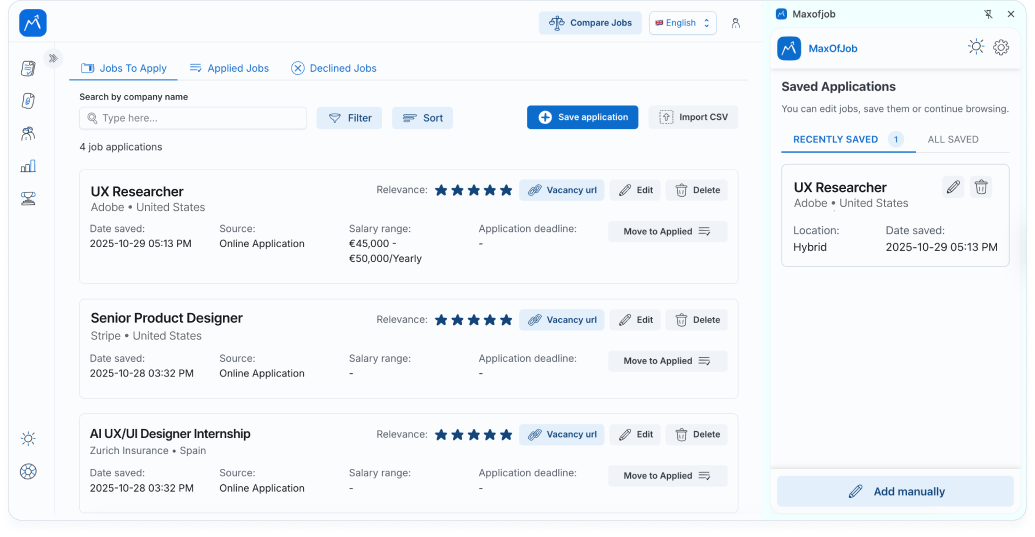
You can open the side panel while you're still on the job posting page. Check what you've already saved, see your recent applications, and avoid applying to the same job twice. It's all right there without switching or losing your place.

Your job search data stays yours. We don't sell it, share it, or do anything weird with it. Everything lives in your MaxOfJob account with industry-standard security. And if you ever want to delete it? You can.
Position, company name, job type, location, source—grab it all in seconds. You can also add the company URL, job posting link, and rate how relevant the opportunity feels. Want to jot down why this role caught your eye? There's space for notes too. Nothing slips through the cracks.



Download the MaxOfJob job tracker app extension and start organizing your search today.

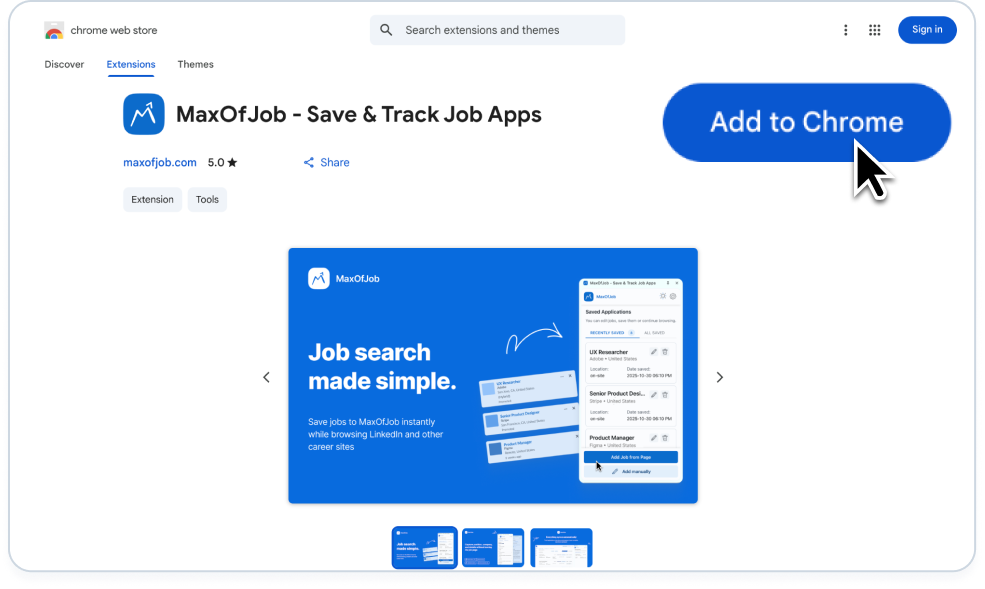
Head to the Chrome Web Store and search for MaxOfJob, or just click the download button on this page. Hit "Add to Chrome" and you're done.
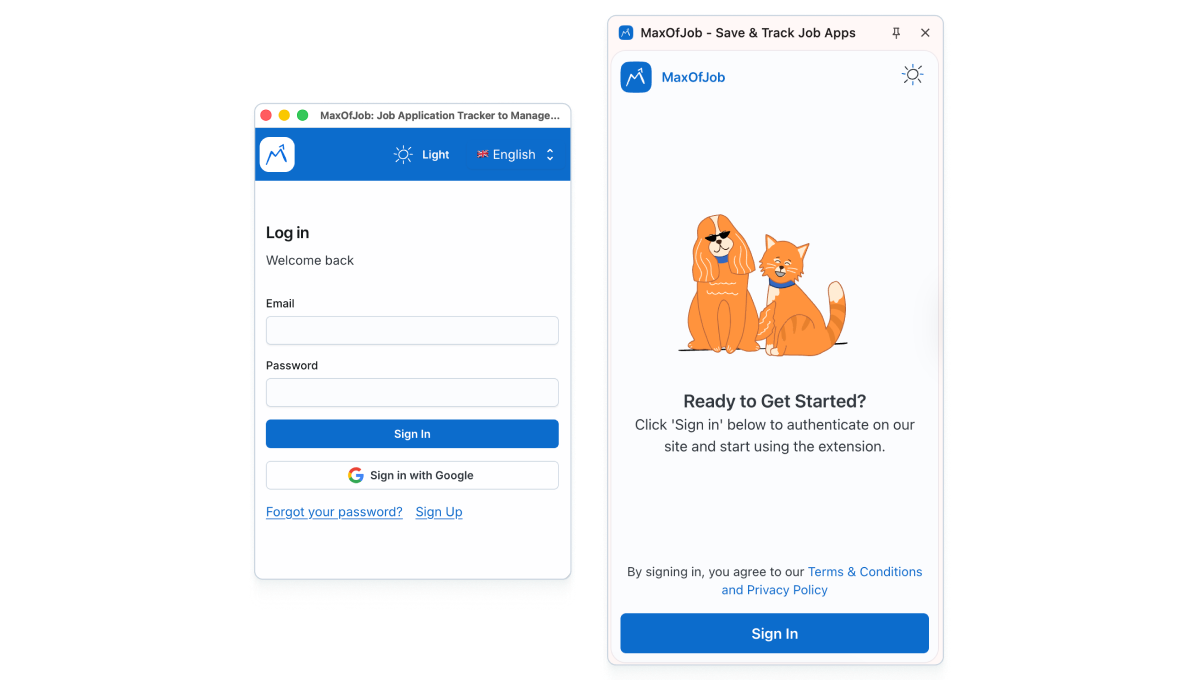
If you already have a MaxOfJob account, just log in. If not, sign up—it's free. The extension connects to your dashboard automatically once you're in.
Now go find some jobs. Open LinkedIn, Indeed, Glassdoor, wherever. When you spot something worth saving, click the extension icon. On LinkedIn, it auto-fills the details. On other sites, you add them manually—still takes just a few seconds.
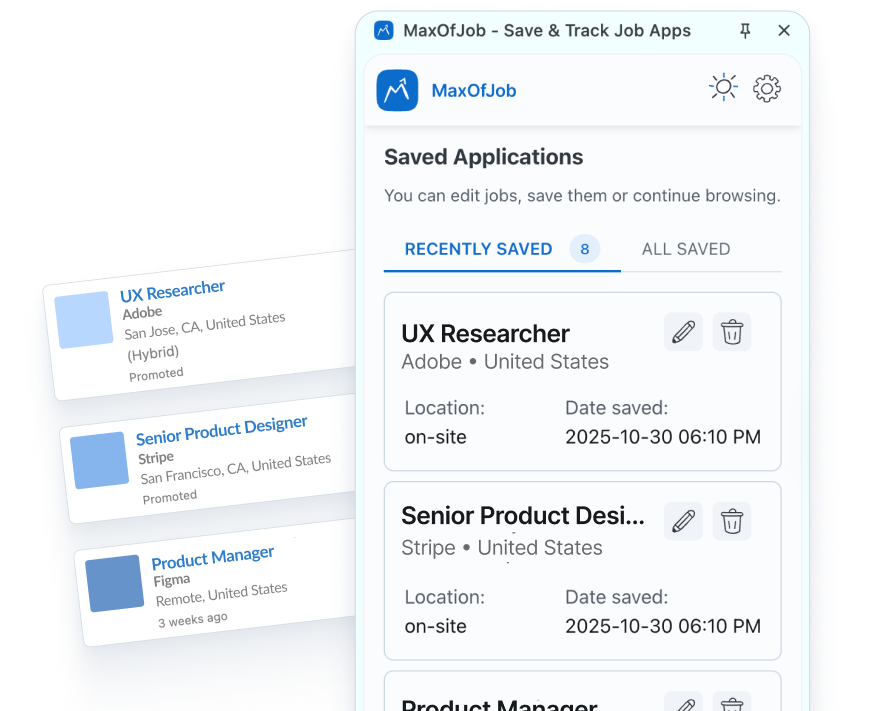
Check your side panel to see what you've saved. Then head to your full MaxOfJob dashboard whenever you want the complete picture—interviews, contacts, notes, statistics. Everything's there, synced and ready.
Got questions?

Yes, completely free. The extension and your MaxOfJob account are both free during our beta period. No credit card, no trial limits—just download and start using it.
Auto-save works on LinkedIn. For Indeed, Glassdoor, company career pages, or anywhere else—you add jobs manually through the side panel. Takes a few seconds either way.
Go to the Chrome Web Store, search for MaxOfJob, and click "Add to Chrome." That's it—takes about 10 seconds. The extension icon will appear in your browser toolbar right away.
Yes, you'll need a free account to use the chrome extension job application tracker. It's how your saved jobs sync to the dashboard and stay accessible across devices.


.svg)
.png)
.png)
.png)
.png)